Tools & utilities
for faster FiveM development.
Turn photos into props, edit meshes in 3D, and generate Lua scripts with live NUI previews. Everything runs in your browser, and every export is a drop-in FiveM resource.
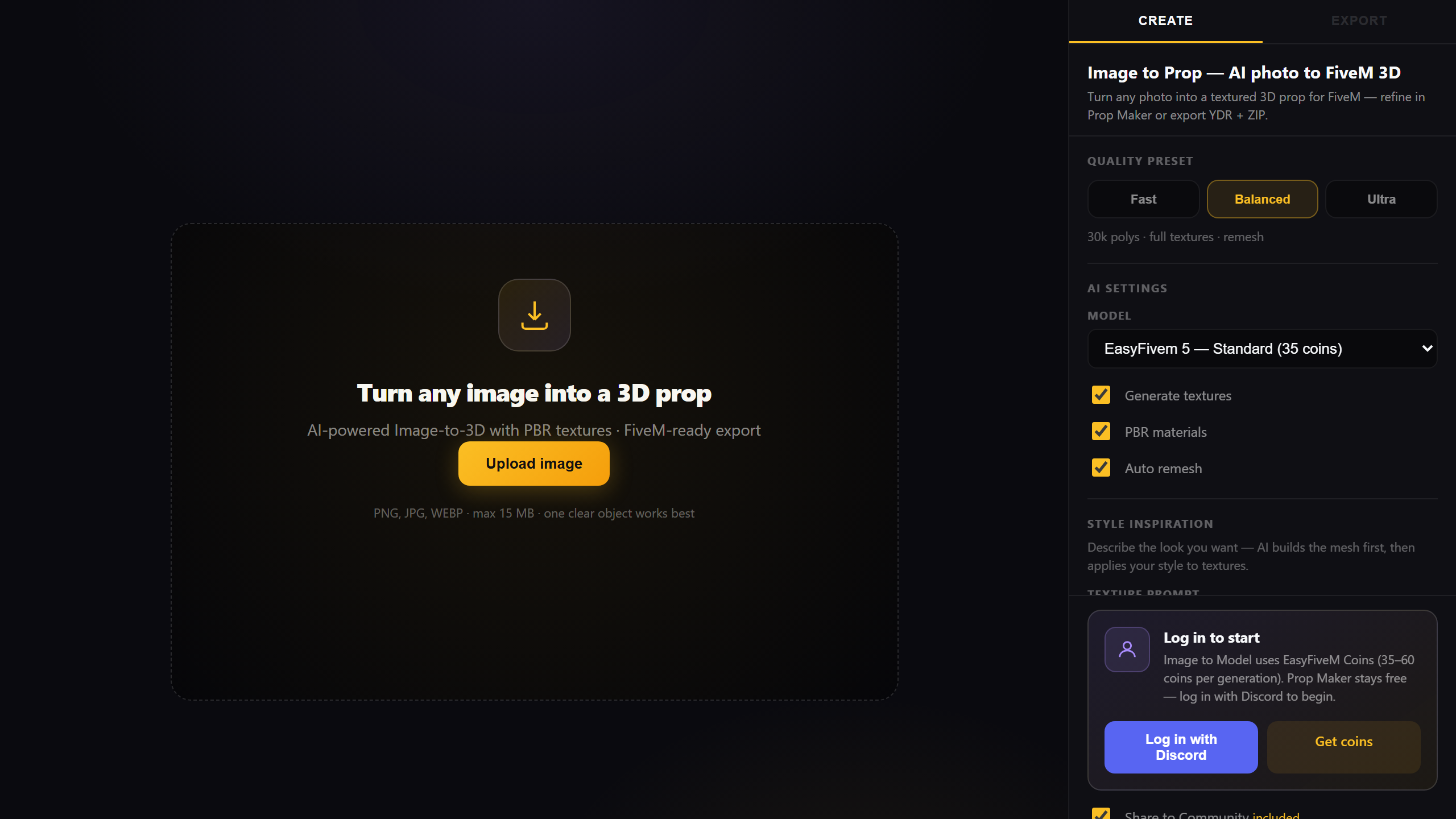
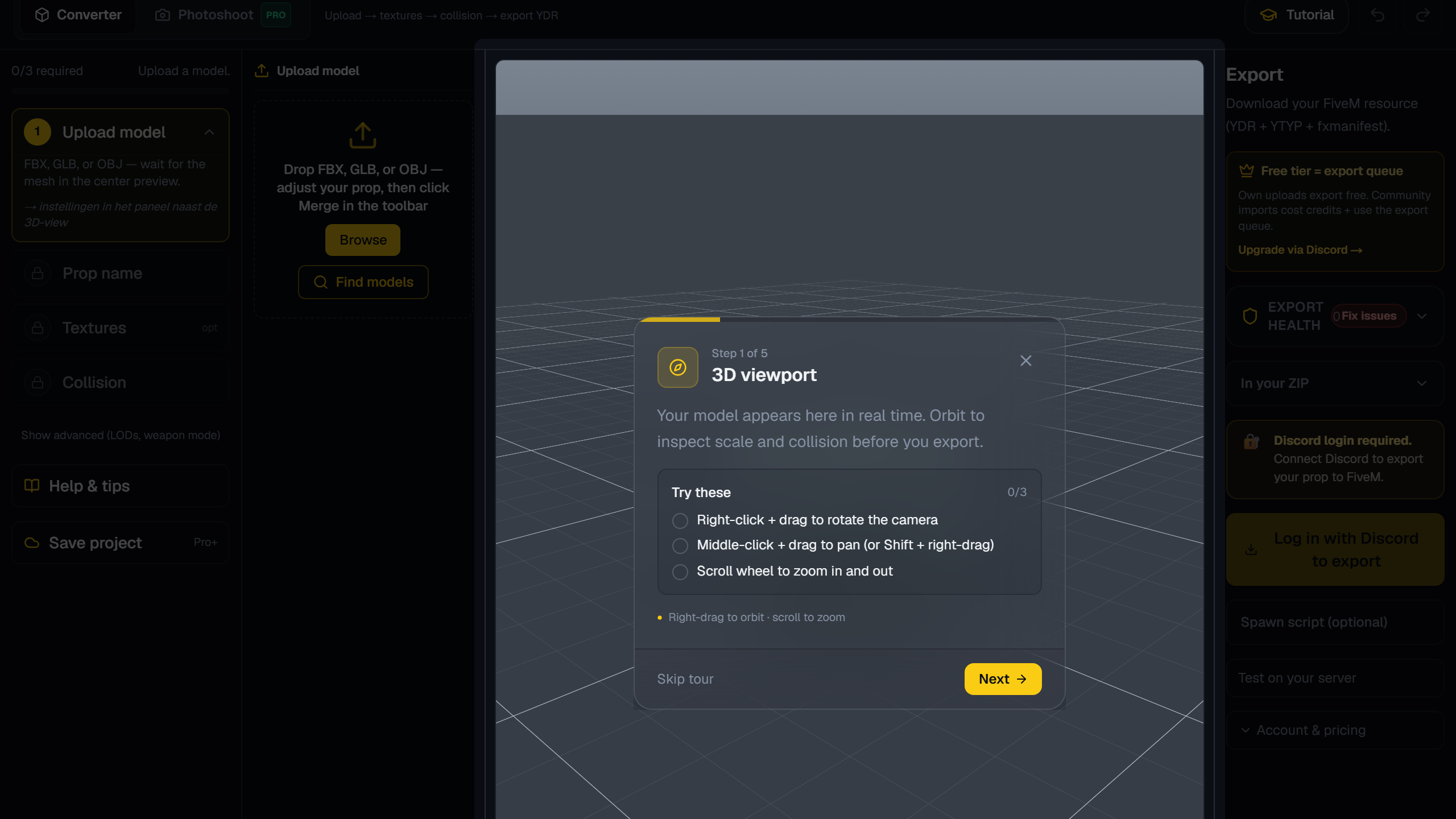
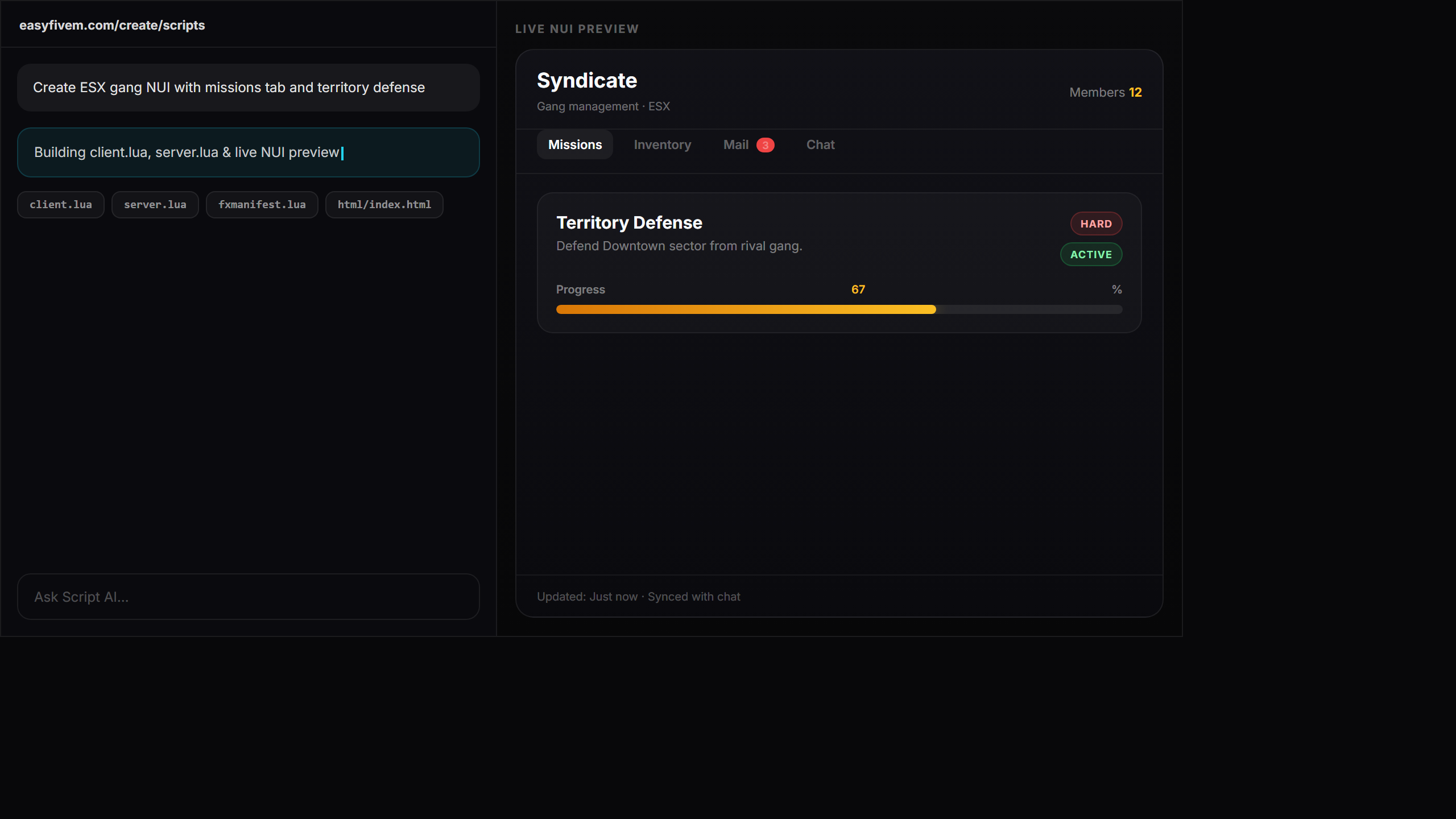
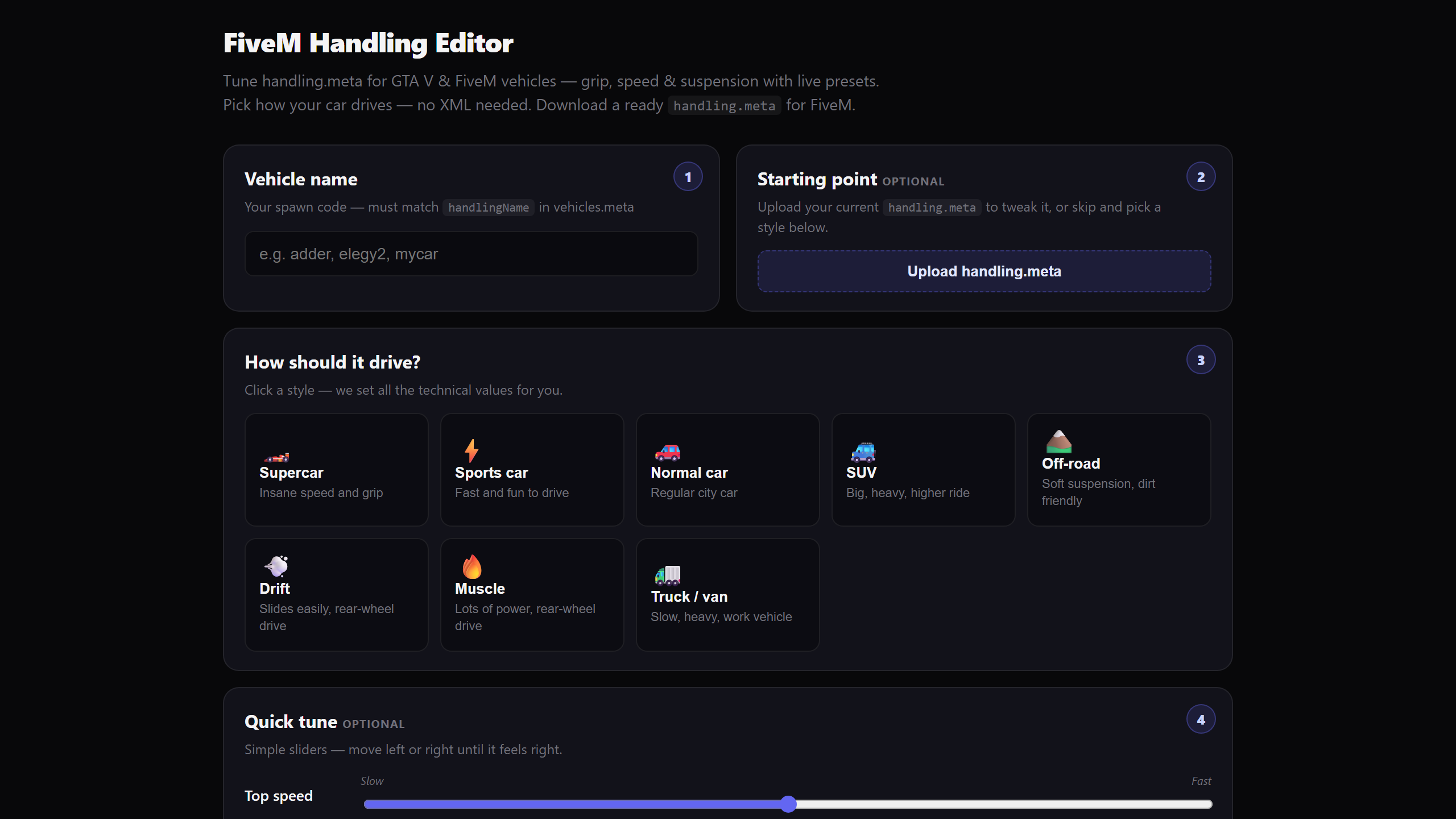
Pick a tool
One click — open in your browser and export a FiveM resource.
Instant
Runs entirely in your browser. Nothing to download, nothing to install, nothing to configure.
Drop-in output
Every export is a ready-to-stream FiveM resource. Drag it into your resources folder and go.
One-click login
Sign in with Discord. No passwords, no forms. Your workshop and coins are tied to your account.
Always shipping
Vehicle Livery is live — paint fleet cars in the browser and export FiveM packs with coins.
No limits. Seriously.
Pro gives you 280 coins every month for props, exports, and Script AI — plus priority queue and 4K textures. Browse the community for free; only pay when you ship to your server. Pro means Pro.
Free to start. Pro when you're ready.
Start free with community imports and pay-as-you-go coins. 20% off Pro right now with code BETA20.
Free
For trying things out
- Access to Prop Maker & Image to Prop
- Free community browse & import
- Pay-as-you-go coin packs
- 1K texture exports
- Local workshop saves
- Community support
Pro
Open beta deal · use code
- 380 monthly coins
- Script AI access
- 4K texture exports
- 30 cloud Prop Maker projects
- Priority queue & remesh tools
- LOD generation
- Early access to new tools
Cancel anytime. Keep your benefits until the end of the period.
Questions, answered
How does the free tier work?
Sign in with Discord and use Prop Maker, browse the community gallery, and import props for free. Image to Prop and exports use coins — buy packs anytime or upgrade to Pro for monthly coins.
What do I get with Pro?
Pro includes 380 monthly coins, Script AI access, 4K texture exports, 30 cloud-saved Prop Maker projects, priority queue, remesh tools, and LOD generation — €29.99/month (20% off with BETA20 during open beta). Creator+ starts at €19.99/month with 200 coins.
What are coins used for?
Coins pay for AI generations like Image to Prop (35–60), Animation Generator (75–120), complete prop builds, Script AI runs, and remesh operations. Community import and preview are free.
Do exports work with ESX, QBCore or standalone?
Yes. Every export is a standard FiveM resource with stream folder, YDR/YTD/YTYP files, and fxmanifest.lua — framework-agnostic by design.
What is the Community gallery?
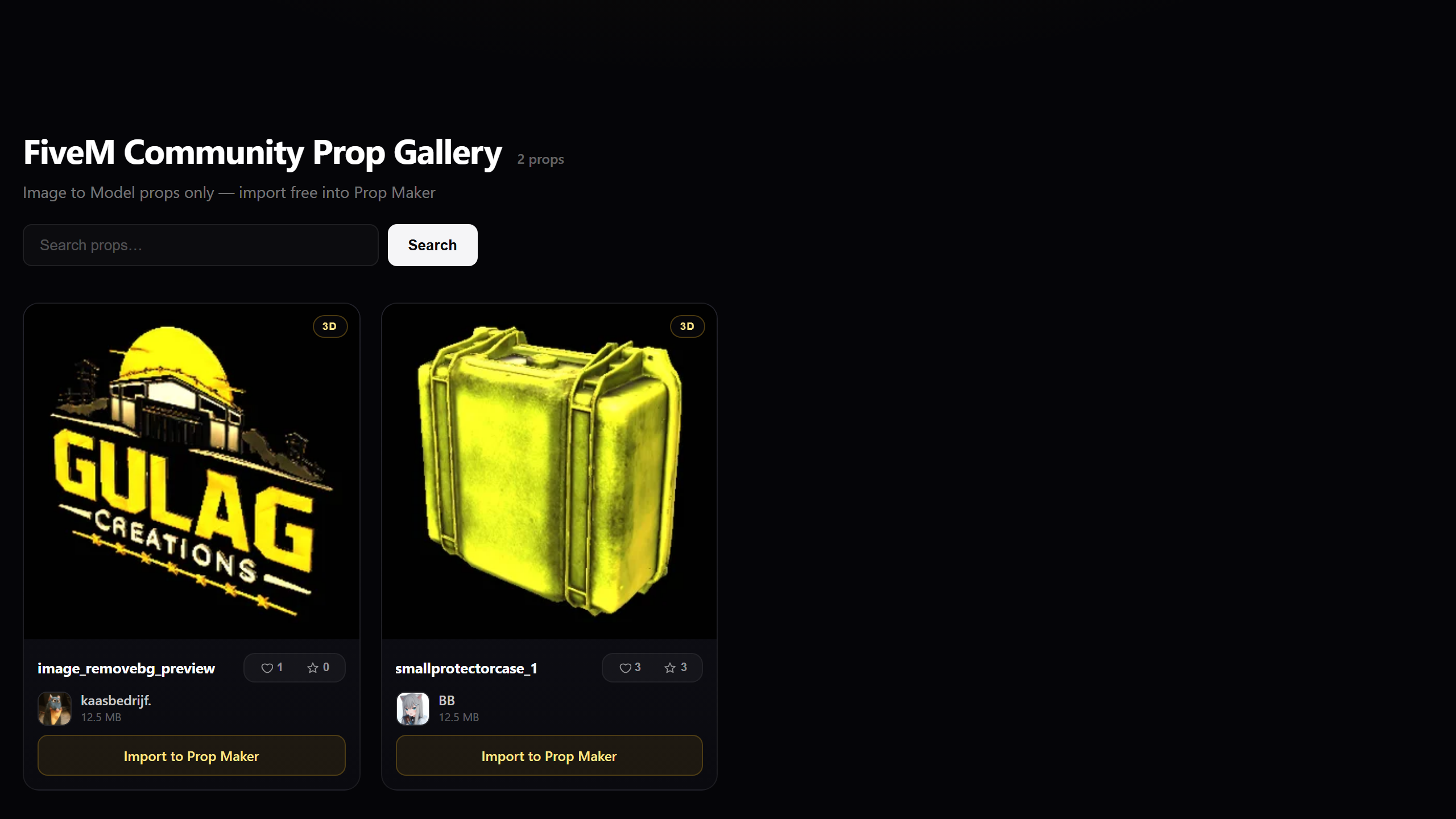
A browsable collection of props shared by creators. Preview any prop in 3D, import into Prop Maker at no cost, and only spend coins when you export to your server.
How do I upgrade to Pro?
Visit the pricing page, pick Pro, and checkout securely with Stripe. Use code BETA20 for 20% off during open beta. Your plan activates immediately after payment.
Can I cancel anytime?
Of course. Pro is month-to-month with no commitment — cancel whenever you like and keep your benefits until the end of the billing period.
Ready to build faster?
Sign in with Discord and open Prop Maker in under a minute. Free to start, every day.