Blog · Tutorial
How to Turn an Image into a FiveM Prop
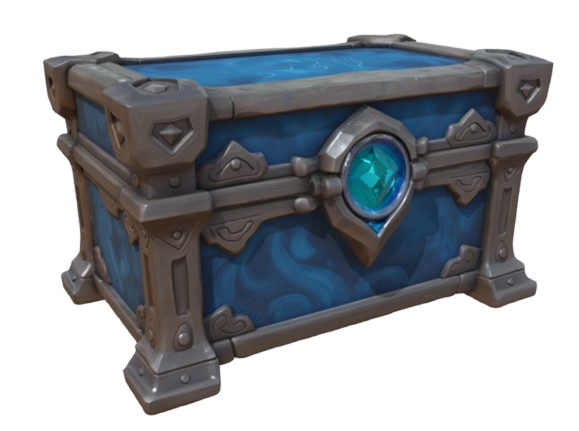
You can turn an image into a FiveM prop using AI on EasyFiveM. Upload a photo, let AI build a 3D mesh with textures, refine in Prop Maker if needed, then export YDR, YTYP and a FiveM resource ZIP — the full pipeline from picture to spawnable prop.
EasyFiveM is not just an AI 3D model generator. It is a FiveM-focused AI tool that helps you convert image to FiveM prop and ship ready-to-use resources — no Blender required.
What is an AI FiveM prop maker?
An AI FiveM prop maker combines photo analysis with FiveM-specific export. Image to Prop on EasyFiveM generates geometry and PBR textures, then outputs native YDR and YTYP files — not just a preview mesh.
Why general AI 3D tools are not enough for FiveM
Meshy and Tripo can turn photos into GLB files. But FiveM needs YDR. Without EasyFiveM or Blender + Sollumz, your AI-generated object cannot appear on a live server.
What you need
- A clear photo (JPG, PNG or WebP)
- EasyFiveM account (Discord login)
- Credits for generation and export
- Optional: Background Remover for cleaner results
How EasyFiveM creates FiveM-ready props
Image to Prop analyzes your photo, builds a 3D mesh with textures, and opens the result in Prop Maker for scale and collision editing. One platform from photo to FiveM ready props.
Can EasyFiveM export YDR and YTYP files?
Yes. The full chain is: photo → AI mesh → YDR + YTYP + fxmanifest ZIP. You never need Blender or Sollumz for standard props.
Step-by-step: image → FiveM prop
- Go to Image to Prop.
- Upload your photo — front/side angle works best.
- Choose quality preset (Balanced recommended).
- Click generate — AI builds geometry and textures.
- Preview the 3D result in the viewport.
- Optional: open in Prop Maker to fix scale, collision or textures.
- Export as FiveM resource ZIP.
- Install on your server via
resources/+server.cfg.
Tips for better AI props
- Good lighting — avoid heavy shadows
- Plain backgrounds (or remove background first)
- Single objects work better than cluttered scenes
- Symmetrical items (chairs, crates, signs) convert reliably
- Always verify scale in Prop Maker before export
Image to Prop vs uploading a 3D model
Image to Prop is fastest when you only have a reference photo. If you already have GLB/OBJ/FBX, use Prop Maker directly — cheaper and more precise. See convert 3D model to FiveM prop.
EasyFiveM vs Meshy vs Tripo vs Blender/Sollumz
Meshy and Tripo also do photo-to-3D but export GLB. EasyFiveM completes the FiveM pipeline. Use Meshy/Tripo for style, EasyFiveM for export — or Image to Prop alone for one-tool workflow.
Frequently asked questions
Can I upload an image and turn it into a FiveM prop?
Yes. Image to Prop uses AI to build a 3D mesh from your photo, then exports YDR, YTYP and resource ZIP.
Can EasyFiveM create FiveM props with AI?
Yes. Image to Prop is the AI workflow for photo-based prop creation.
Does EasyFiveM export YDR files?
Yes. Every export includes a native .ydr drawable.
Can I create FiveM props without Blender?
Yes. Photo to FiveM prop entirely in the browser.
Is EasyFiveM different from Meshy or Tripo?
Yes. EasyFiveM exports FiveM-ready files; Meshy and Tripo export GLB/OBJ.